
Settings Management
Backup, export, and import your ThinkUtils configuration to keep your settings safe and easily migrate between machines.
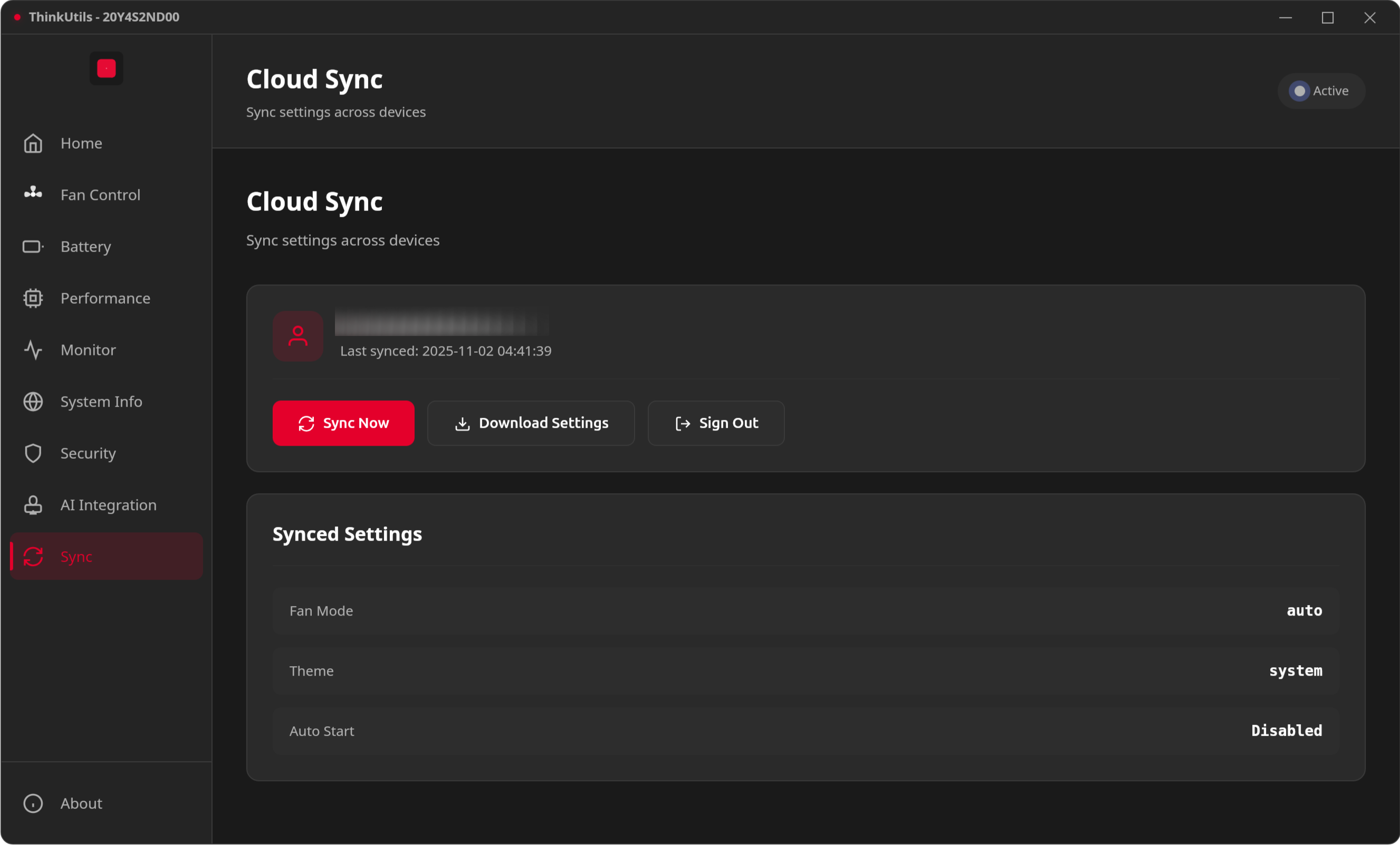
Features
- JSON Export: Export fan curve presets, battery thresholds, power profiles, and application settings to a clean JSON file.
- Easy Import & Migration: Moving to a new ThinkPad? Import your saved configuration with one click.
- Safety & Validation: Imported settings are fully validated to ensure temperature targets and battery limits are safe for your hardware before applying.
- Reset to Defaults: Quickly revert any customized configuration back to factory recommended settings.
Usage
- Open the Settings view from the sidebar navigation.
- Under Backup & Restore, click Export Settings to save your current setup as a
.jsonfile. - To restore or load a previously saved configuration, click Import Settings and select your configuration file.
- To return to standard defaults, click Reset to Defaults.