
Fan Control
Take control of your ThinkPad's cooling system — from whisper-quiet to maximum cooling.
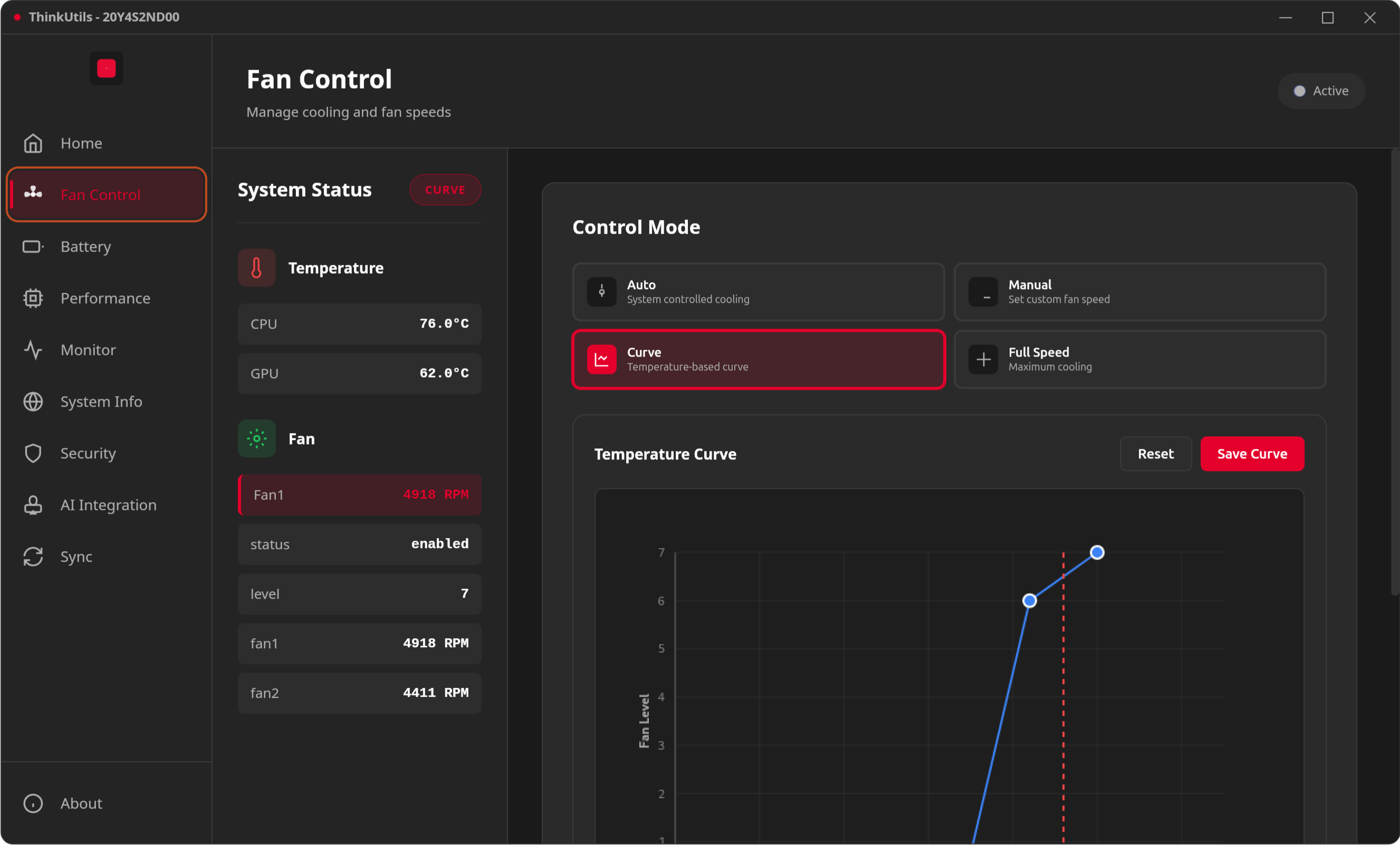
Control Modes
Auto Mode
Let the system intelligently manage fan speed based on temperature. Recommended for most users.
Manual Mode
Set a precise fan speed level from 0 (silent) to 7 (maximum). Great for finding the sweet spot between noise and cooling.
Maximum Mode
Run fans at full blast — useful for intensive tasks like video rendering or gaming.
Fan Curve (Auto with Custom Curve)
Draw a custom temperature-to-speed mapping on an interactive canvas. The background task checks temperature every 2 seconds and adjusts fan speed according to your curve.
Temperature Sensors
ThinkUtils monitors all available thermal sensors:
- CPU core temperatures
- GPU temperature
- Battery temperature
- Other platform-specific sensors
Data is read via the sensors command (lm-sensors).
How It Works
Fan control uses /proc/acpi/ibm/fan through the thinkpad_acpi kernel module. A dedicated fan helper script at /usr/local/bin/thinkutils-fan-control handles writes securely — see Permissions for setup details.
TIP
Make sure you've enabled fan control in the kernel module. See Getting Started.